Video Area
The Video Area block features a video — as a popup, a background, or alongside a call‑to‑action.
Purpose
Use it to show a brand video, product demo or testimonial reel. Video greatly increases engagement and trust.
Available layouts
5 layouts:
| Layout | Best for |
|---|---|
| Card Overlay (default) | A video thumbnail card with a play button. |
| Card Overlay v2 | A variation of the card overlay. |
| Impact Strategy | A statement layout with badges and a video. |
| Centered Popup | A centered thumbnail that opens the video in a popup. |
| CTA Banner | A video paired with a call‑to‑action. |
Field reference
| Field | What it does |
|---|---|
| Video URL | The video to play. Use a YouTube, Vimeo, or direct MP4 URL. |
| YouTube / Vimeo / External video URL | Alternative video source fields. |
| Title lines (1–3) + Title link | Headline text and an optional link. |
| Description / Video paragraph | Supporting text. |
| Badge top / bottom / highlight | Badges (Impact Strategy layout). |
| CTA button text / link | The call‑to‑action button. |
| Scale‑up scope | Whether a hover zoom applies to the whole wrapper or just the thumbnail. |
| Rounded box | Round the video container's corners. |
| Box margin right | Fine‑tune spacing. |
| Heading font / line height / divider style / play label font | Typography options. |
| Image data speed | Parallax speed for the background/thumbnail. |
| Padding / margin (top, bottom) | Spacing. |
| Background / thumbnail images | The poster image shown before play. |
Best practices
- Prefer a hosted link (YouTube/Vimeo) over uploading large MP4s — it's faster and more reliable.
- Use a strong poster image — it's what visitors see before pressing play.
- Keep videos short (30–90 seconds) for the best completion rate.
- Add captions to your video (on the hosting platform) for accessibility.
Example
- Layout: Centered Popup
- Video URL: your YouTube brand film.
- Title: "See How We Work"
- Play label: "Watch the film"
Frontend result
A video thumbnail with a play button. Clicking opens the video (popup or inline depending on layout). Background layouts loop quietly behind content.
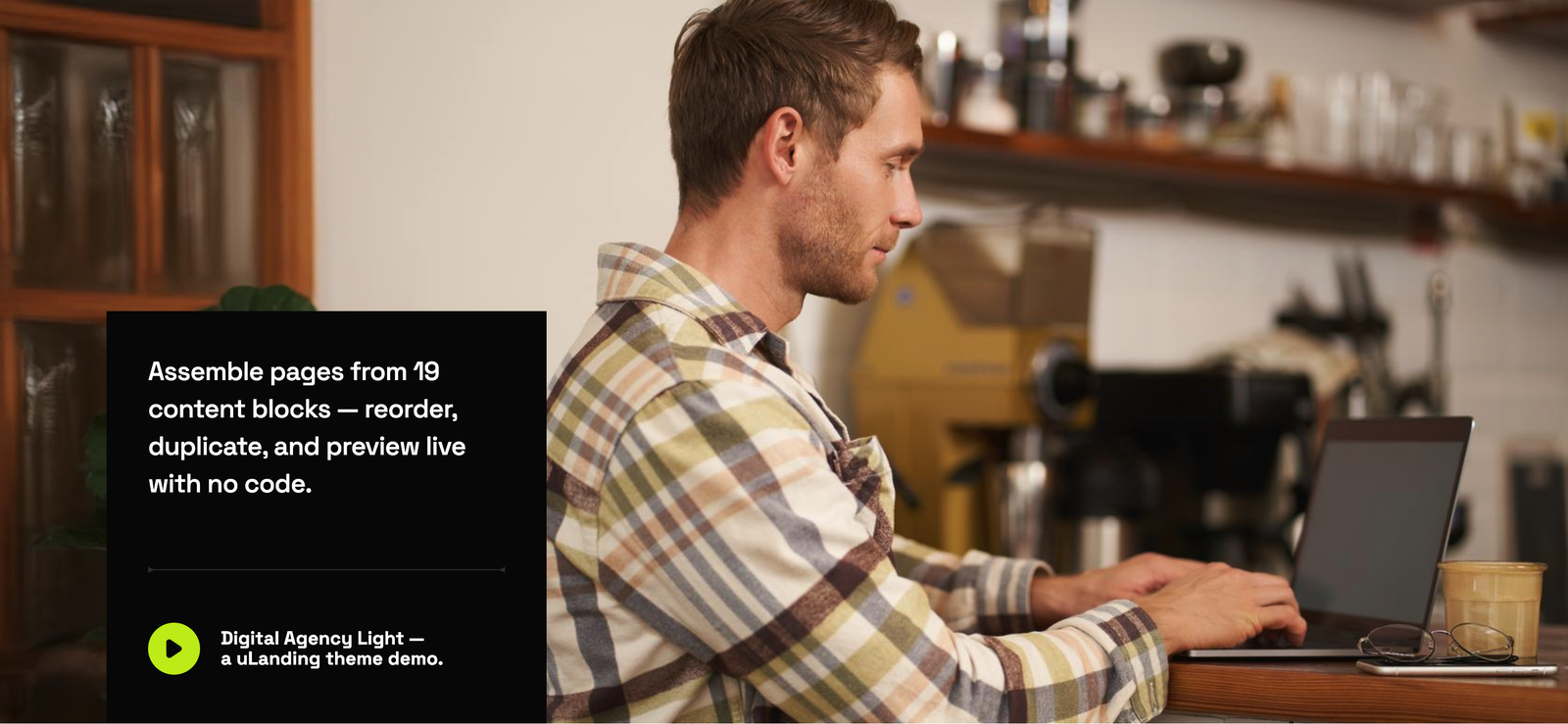
Screenshot: Page Builder → Video Area (Centered Popup) on the live site
Troubleshooting & common mistakes
| Problem | Fix |
|---|---|
| Video won't play | Verify the URL is public and correct; private/unlisted settings can block playback. |
| Poster image missing | Set a thumbnail/background image. |
| Popup doesn't open | Ensure the video URL field is filled (not left blank). |
| Uploaded video too large | Max upload is 50 MB; use a hosted link instead. |
Common mistakes: pasting a "share" link that isn't a full URL, uploading a heavy MP4, forgetting the poster image.
➡️ Next: Counter Section