Process Section
The Process block explains how you work in clear steps — a "how it works" or "our process" section.
Purpose
Show your workflow so prospects understand what to expect. Reducing uncertainty builds confidence and increases conversions.
Available layouts
3 layouts:
| Layout | Best for |
|---|---|
| IT Video Marquee (default) | Steps with a video and scrolling marquee text. |
| Personal Portfolio Video Steps | Video‑led steps for individuals. |
| Startup Work | A startup‑style process. |
Field reference
| Field | What it does |
|---|---|
| Title / subtitle | Section headings. |
| Description | Supporting text. |
| Footer text | A closing line. |
| Marquee top / bottom items | Scrolling text rows (use _ to separate items). |
| Video URL / video thumbnail | A process video. |
| Button text / URL | A call‑to‑action. |
| Shape / circle / background shape images | Decorative graphics. |
| Process steps (repeater) | Each step: number, title, description, list items. |
| Theme | Dark/light. |
Best practices
- 3–5 steps. Enough to explain, not so many it feels complex.
- Action‑oriented titles. "1. Discovery Call", "2. Proposal", "3. Delivery".
- Keep descriptions short. One sentence per step.
- End with a CTA — once they understand the process, invite them to start.
Example
Process steps:
- Discover — "We learn about your goals."
- Design — "We craft a tailored plan."
- Deliver — "We launch and support."
Frontend result
A sequence of numbered steps, often with a video and decorative shapes, showing your workflow.
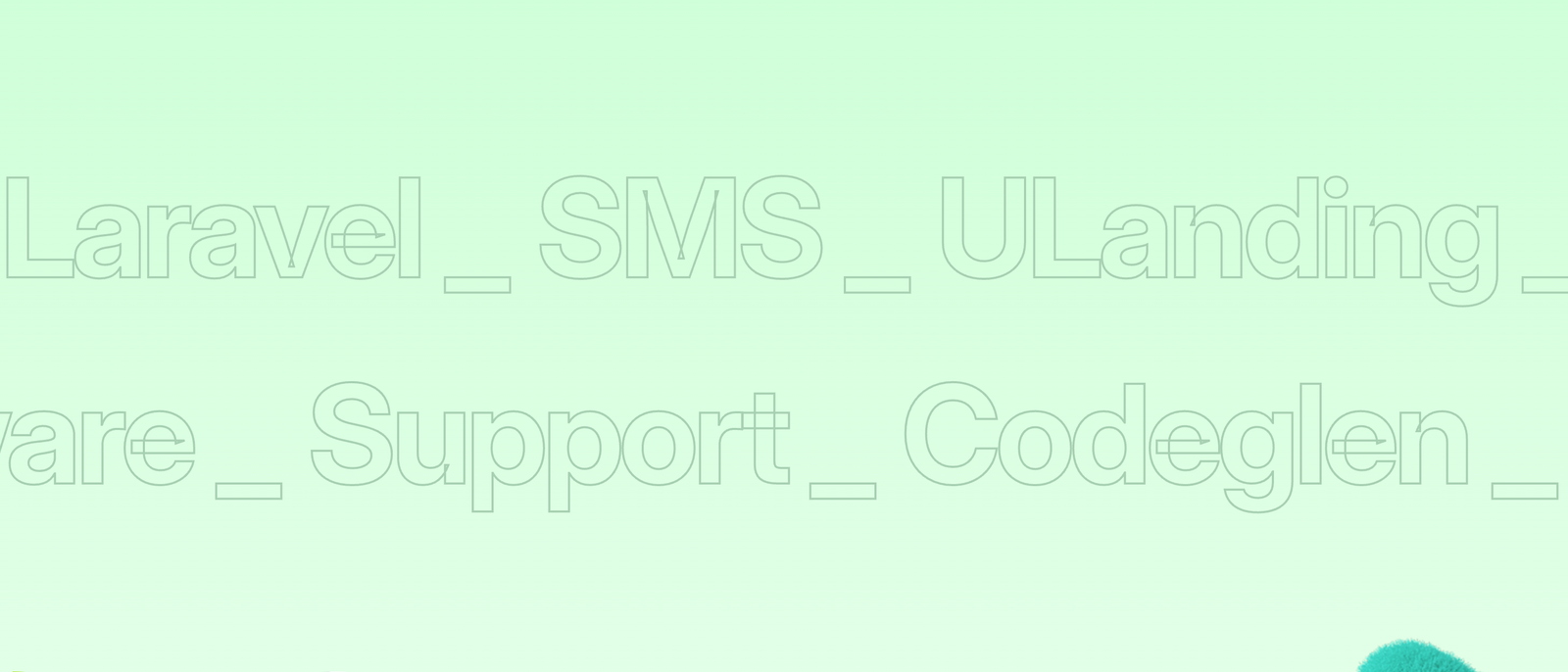
Screenshot: Page Builder → Process Section on the live site
Troubleshooting & common mistakes
| Problem | Fix |
|---|---|
| Steps not showing | Add items to the process steps repeater. |
| Marquee text odd | Separate items with _ as instructed in the field. |
| Video missing | Add a video URL and thumbnail. |
Common mistakes: too many steps, long descriptions, no closing CTA.
➡️ Next: Map Section