Banner
The Banner block is a flexible image/stat band. Use it as a page header (title + breadcrumb), a statistics banner, or a parallax image section.
Purpose
Use a Banner to:
- Create a page header for inner pages (with title and breadcrumb).
- Show key statistics in a striking band.
- Add a parallax image section with a heading and buttons.
Available layouts
6 layouts:
| Layout | Best for |
|---|---|
| Image Banner (default) | A simple image banner. |
| Consulting Overlay | An image with a content overlay. |
| AI Parallax | A parallax‑scrolling image banner. |
| Stat Arrow | A banner highlighting a single big statistic. |
| Web Design Stat Cards | Two stat cards over an image. |
| AI Title Breadcrumb | A page header with title + breadcrumb trail. |
Field reference
| Field | What it does |
|---|---|
| Background image | The banner image. |
| Min height | The banner's height. |
| Container width | Content width. |
| Parallax speed | Strength of the parallax effect. |
| Animation style | Scale‑up / Reveal‑slice / Static. |
| Breadcrumb title / items | For page‑header layouts. |
| Heading text / sub heading text | The main text. |
| Primary button text / URL | Main button. |
| Secondary button text / URL | Second button. |
| Award label text / widget link URL | An award badge. |
| Stat number / suffix / suffix color | The headline statistic (Stat Arrow). |
| Card 1/2 label, number, unit, suffix, background | The stat cards (Web Design Stat Cards). |
| Icon color | Accent color. |
| Padding top / bottom | Spacing. |
| Theme | Dark/light. |
Best practices
- For inner page headers, use AI Title Breadcrumb with the page title and a breadcrumb so visitors know where they are.
- Keep overlay text readable — darken the image or use the overlay.
- Use parallax sparingly — it's striking but can feel heavy if overused.
Example (page header)
- Layout: AI Title Breadcrumb
- Breadcrumb title: "Our Services"
- Breadcrumb items: "Home > Services"
- Background image: a relevant header image.
Frontend result
A full‑width image band with your title, breadcrumb, statistics or buttons, with optional parallax/animation.
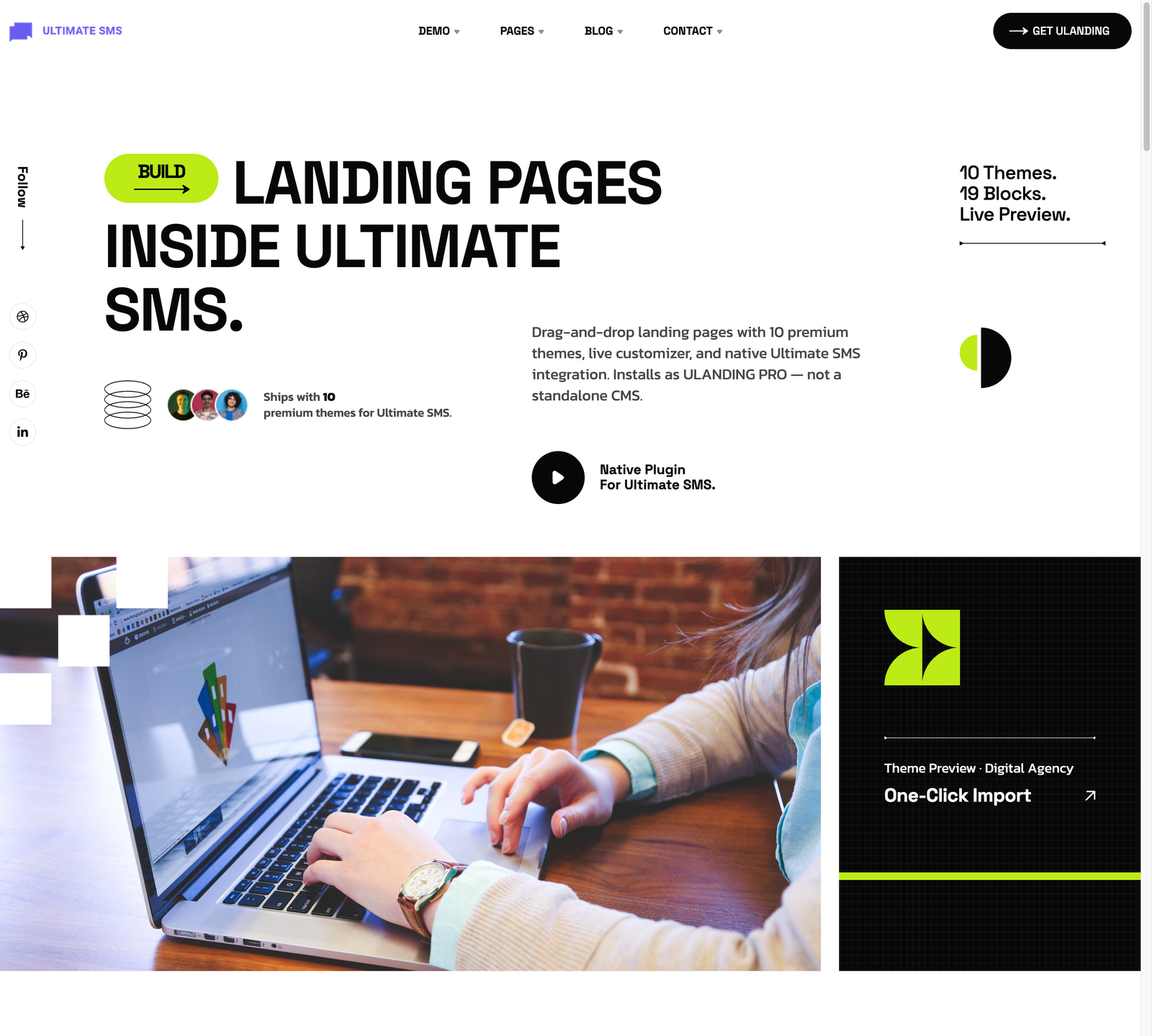
Screenshot: Page Builder → Banner (AI Title Breadcrumb) on the live site
Troubleshooting & common mistakes
| Problem | Fix |
|---|---|
| Text hard to read | Use a darker image or increase overlay. |
| Parallax jerky on mobile | Lower the parallax speed or use Static animation. |
| Banner too short/tall | Adjust min height. |
| Breadcrumb missing | Fill in the breadcrumb title/items fields. |
Common mistakes: low‑resolution background images, unreadable text, overusing parallax.
➡️ Next: Blog Section